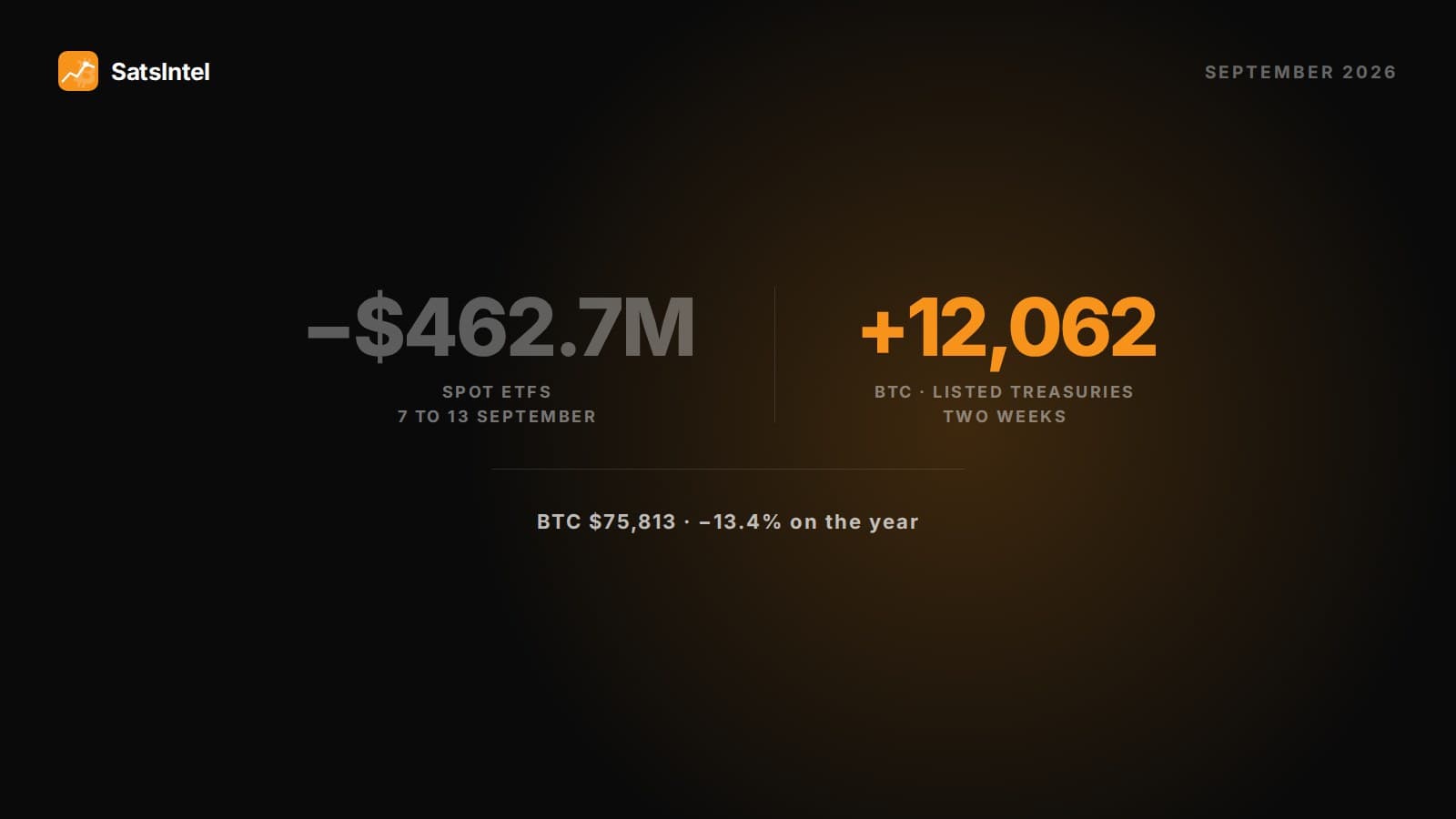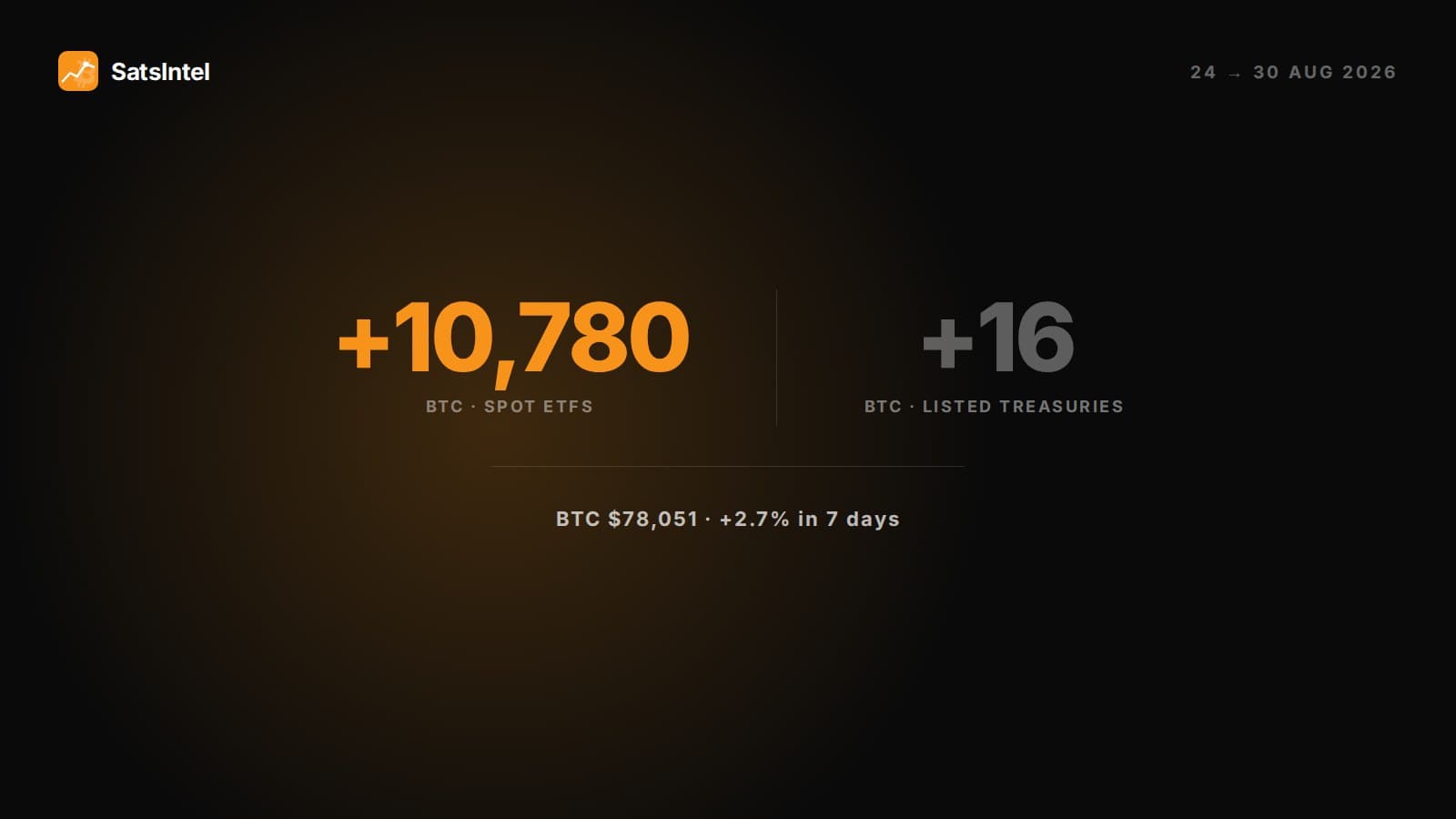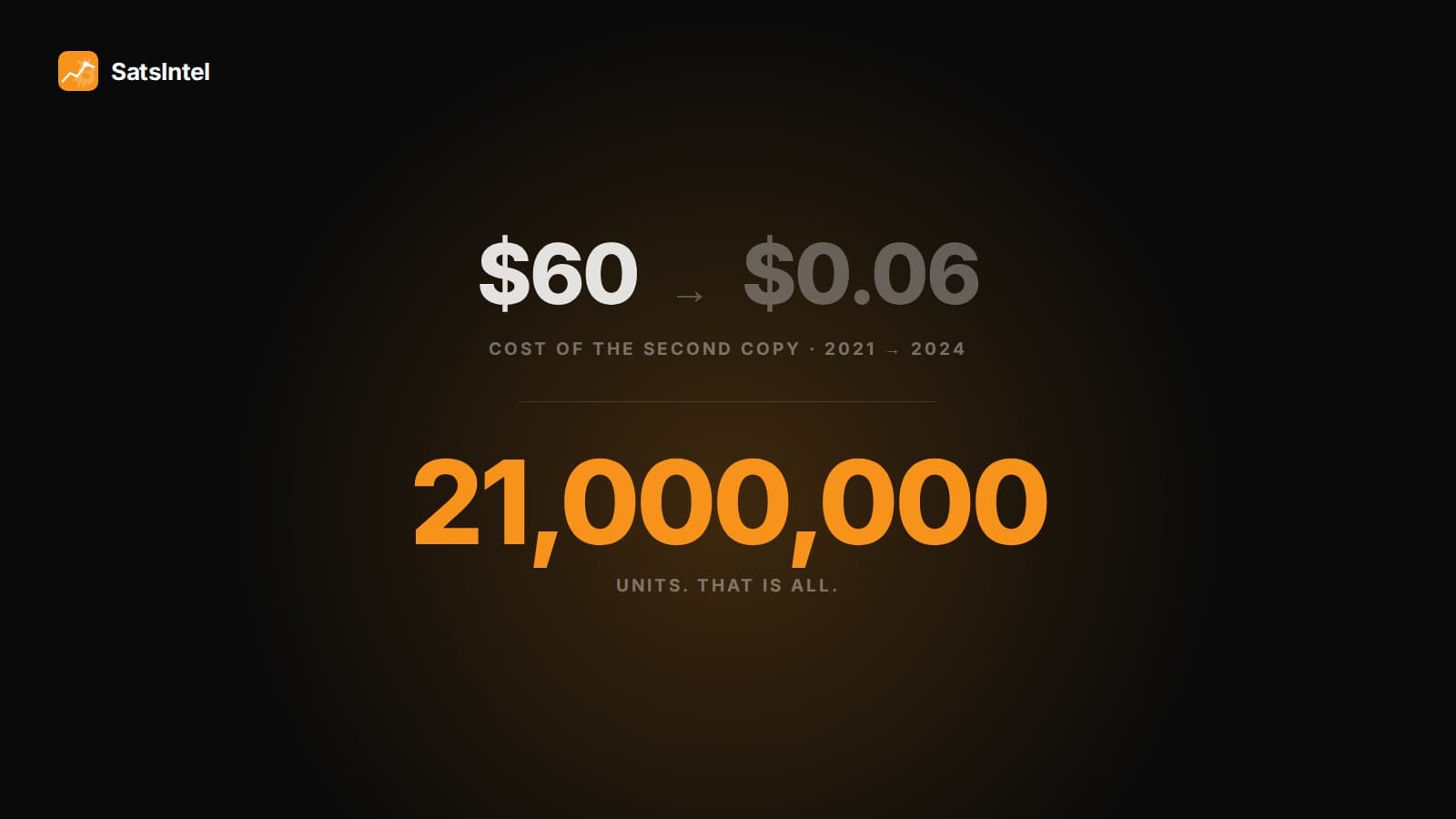


If you publish about Bitcoin, cryptocurrencies or markets, sooner or later you want to show a live figure on your site —how much Bitcoin Strategy holds, how much the spot ETFs have accumulated, where the market closed— without updating it by hand every week. The answer is a widget: a small block you embed with a couple of lines of code that refreshes on its own. This guide explains, step by step, how to add one to any website or blog for free, without knowing how to code.
What is a Bitcoin widget and why it's useful
A Bitcoin widget is a component that shows market data —for example how much Bitcoin companies or ETFs hold— and that you can place on any page with two lines of code. Instead of copying figures and updating them by hand, the widget connects to a data source and stays current on its own. For a media outlet, a blog or a corporate site, that means content that adds value for the reader and never goes stale, with zero maintenance.
SatsIntel's widgets specialize in institutional Bitcoin: the Bitcoin held by listed corporate treasuries, spot ETFs and fixed income. It's a proprietary, differentiated figure —the same one you'll find on our indicators page— that adds context and authority to any article about Bitcoin.
How to add a Bitcoin widget in three steps
The process is always the same, whatever your site runs on:
1. Configure it. Open the widget configurator, pick the type of data you want to show, the theme (dark, light or transparent to inherit your site's background) and the language. You'll see a live preview of how it will look.
2. Copy the code. The configurator generates two lines: a `<script>` tag and the widget tag `<satsintel-widget>`. Click "Copy code".
3. Paste it. Drop those two lines into your site's HTML where you want the widget to appear. Done: it loads and updates on its own, daily. No sign-up, no API key, no plugins to install.
How to install it on your platform
Every content manager has its own way to insert code, but they all have one:
WordPress. Add a "Custom HTML" block and paste the two lines there. It also works inside Elementor or Divi with their HTML widget. No plugins. On basic WordPress.com plans that block scripts, use the iframe method.
WIX and Squarespace. These platforms don't let you paste a script directly, but they do let you embed content via iframe. Pick the "iframe" option in the configurator, copy the code and paste it into a custom-code element ("Add → Embed Code" in WIX; a code block in Squarespace).
Webflow. Drag an "Embed" element and paste the two lines inside.
Ghost. Use an HTML card and paste the snippet.
Plain HTML. Paste the two lines into your template wherever you want the widget. Works on any static site or framework.
One note for the SEO-minded: the script method leaves a crawlable link back to the data source; the iframe method doesn't pass that link, but it's the way to go when your platform blocks scripts. Neither works in a newsletter sent by email —email clients disable JavaScript— but both work in a newsletter published as a web page.
What Bitcoin data you can show
The catalog covers the big angles of institutional Bitcoin, and you choose which to embed:
The sector aggregate —how much Bitcoin treasuries and ETFs hold together, with their share of the 21-million supply— is the most authoritative figure to illustrate an article; it's the same data as the indicators panel. The single-treasury card (Strategy, Metaplanet, Marathon…) shows its Bitcoin holdings, value and mNAVmNAVMultiple on Net Asset Value: how a treasury company trades relative to its BTC.View term →, with data from the treasuries directory. The spot-ETF card (IBIT, FBTC…) brings its AUM and the day's flow, in line with the ETF explorer. The leaderboard ranks the largest holders with a link to each. The preferred card (STRK, STRF…) shows its yield and price, like the fixed-income section. The daily close sums up Bitcoin's price and the institutional total. And the simulator lets your visitor work out how much they'd have today had they invested back then, reusing the engine of the historical simulator.
Is it free? Will it slow my site down?
It's completely free and requires no sign-up or API key; in exchange, the widget shows a discreet attribution with a link to SatsIntel. And it won't hurt speed: the script is lightweight (around 10 KB), loads asynchronously —it doesn't block your page's rendering— and the data comes cached from a CDN. The impact on your Core Web Vitals is minimal. It's also responsive, so it looks good on both desktop and mobile.
In short
Adding live Bitcoin data to your site takes no coding and no maintenance: configure the widget, copy two lines and paste them wherever you want. It works on WordPress, WIX, Webflow, Ghost, Squarespace or any HTML, it's free and it updates on its own. If you publish about Bitcoin, it's the simplest way to keep your content showing the right figure. See every format and build yours on the SatsIntel widgets page, or explore the data first in the treasuries directory, the ETF explorer and the indicators page.